Quick Start
1. Add portal
Section titled “1. Add portal”Run LMDA: Add Portal and enter your portal hostname (e.g. acme.logicmonitor.com) and Bearer token. Credentials are stored securely by VS Code and are not saved in your settings file.
2. Select collector
Section titled “2. Select collector”Run LMDA: Select Collector. Groovy scripts run on Linux or Windows collectors; PowerShell requires a Windows collector.
3. Open a script
Section titled “3. Open a script”Use the walkthrough sample, open a local .groovy or .ps1 file, or load a script from LogicModules in the sidebar.
4. Run
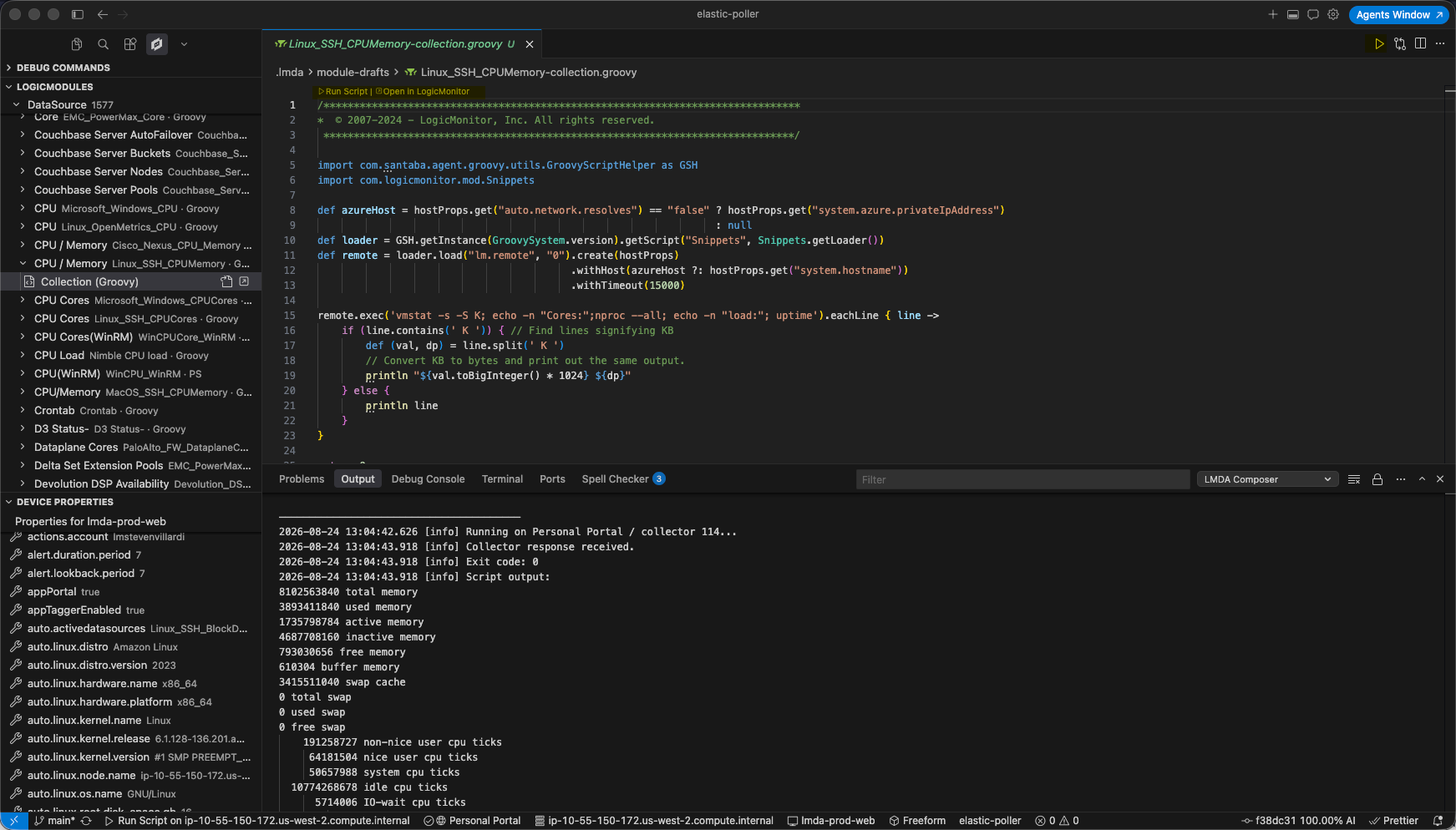
Section titled “4. Run”Press Cmd+Alt+R / Ctrl+Alt+R, click the editor Play icon, or run LMDA: Run Script. Output appears in the LMDA Composer panel.
Push to portal
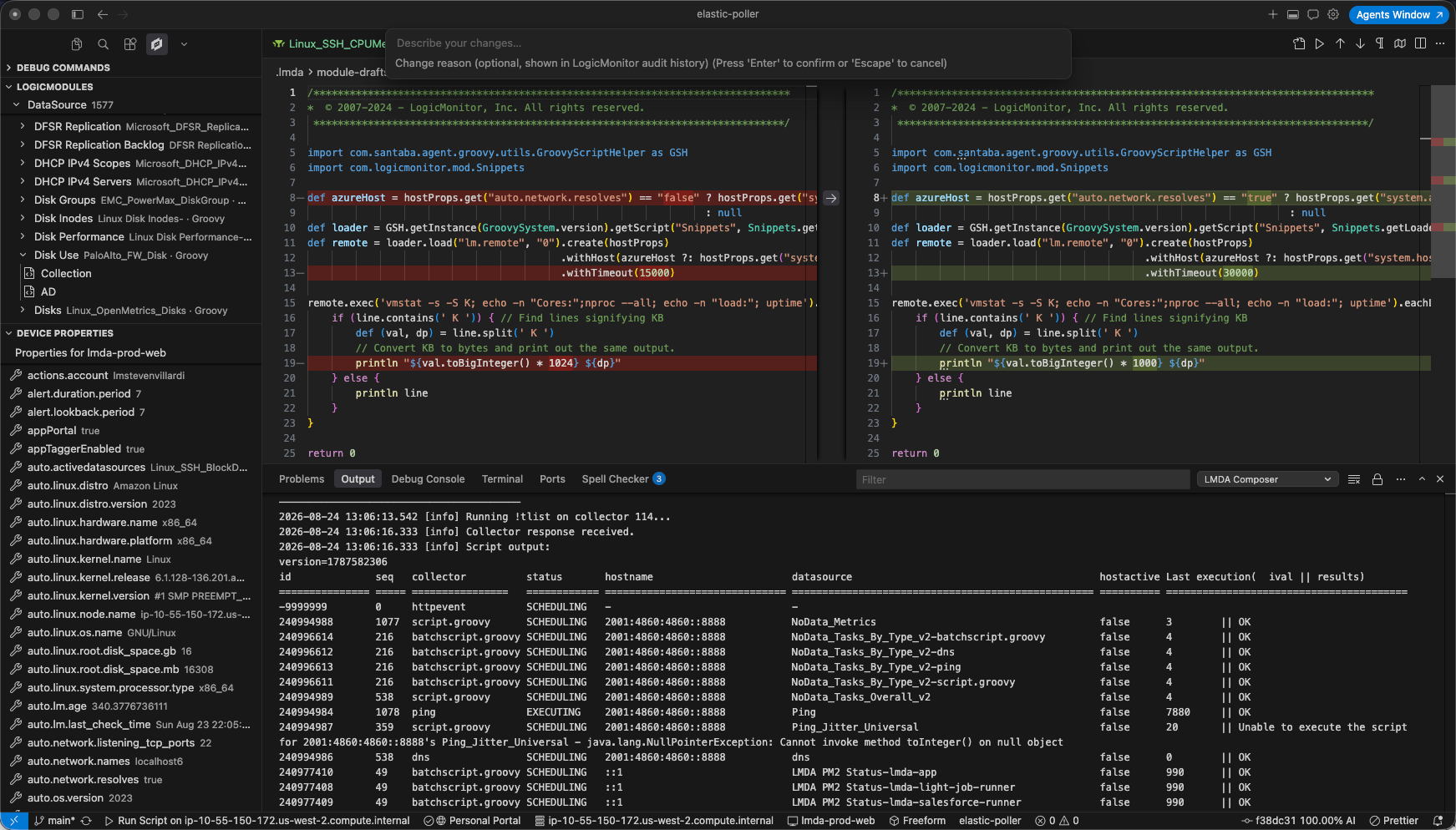
Section titled “Push to portal”Edit a loaded module script, then use Push to Portal and review the diff before publishing.